Setting Up Your ZTE G5TS 5G Router
The ZTE G5TS from Axxess automatically detects your SIM card and configures the required APN settings. Follow these four simple steps to get connected. If you need to configure your APN manually, please visit our [Manual Setup Page].
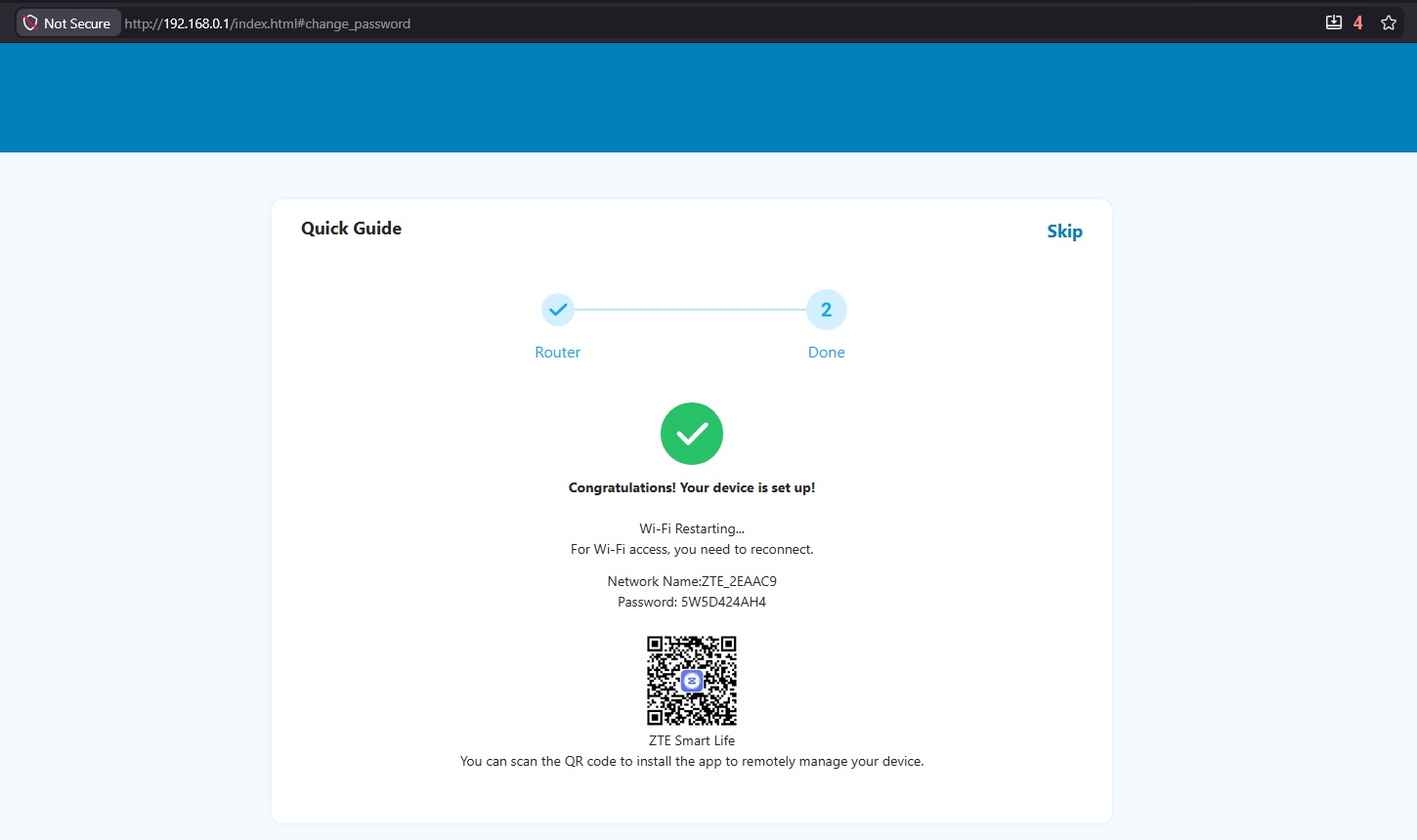
- Open your preferred web browser and enter the default IP address 192.168.0.1. Log in using the default password located on the sticker underneath the router.
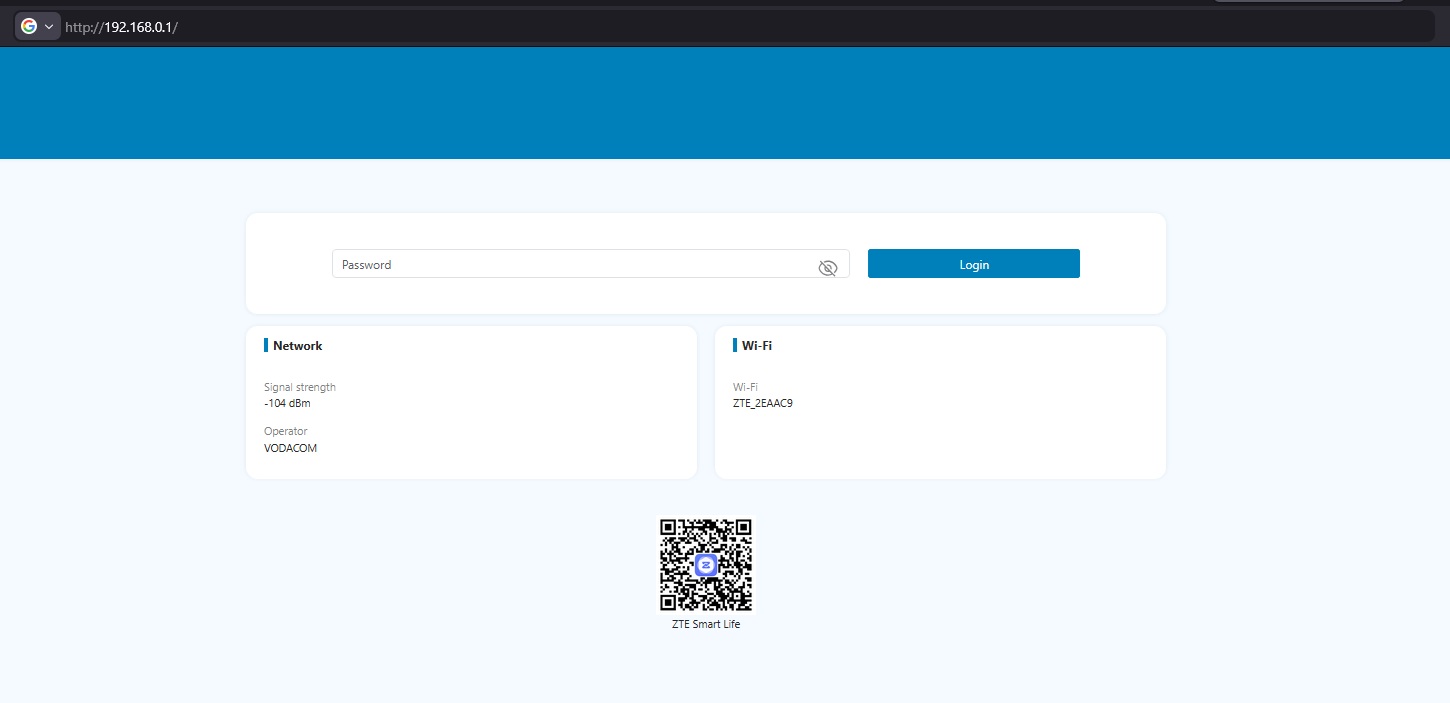
- Review the Privacy Policy and click Accept to proceed.
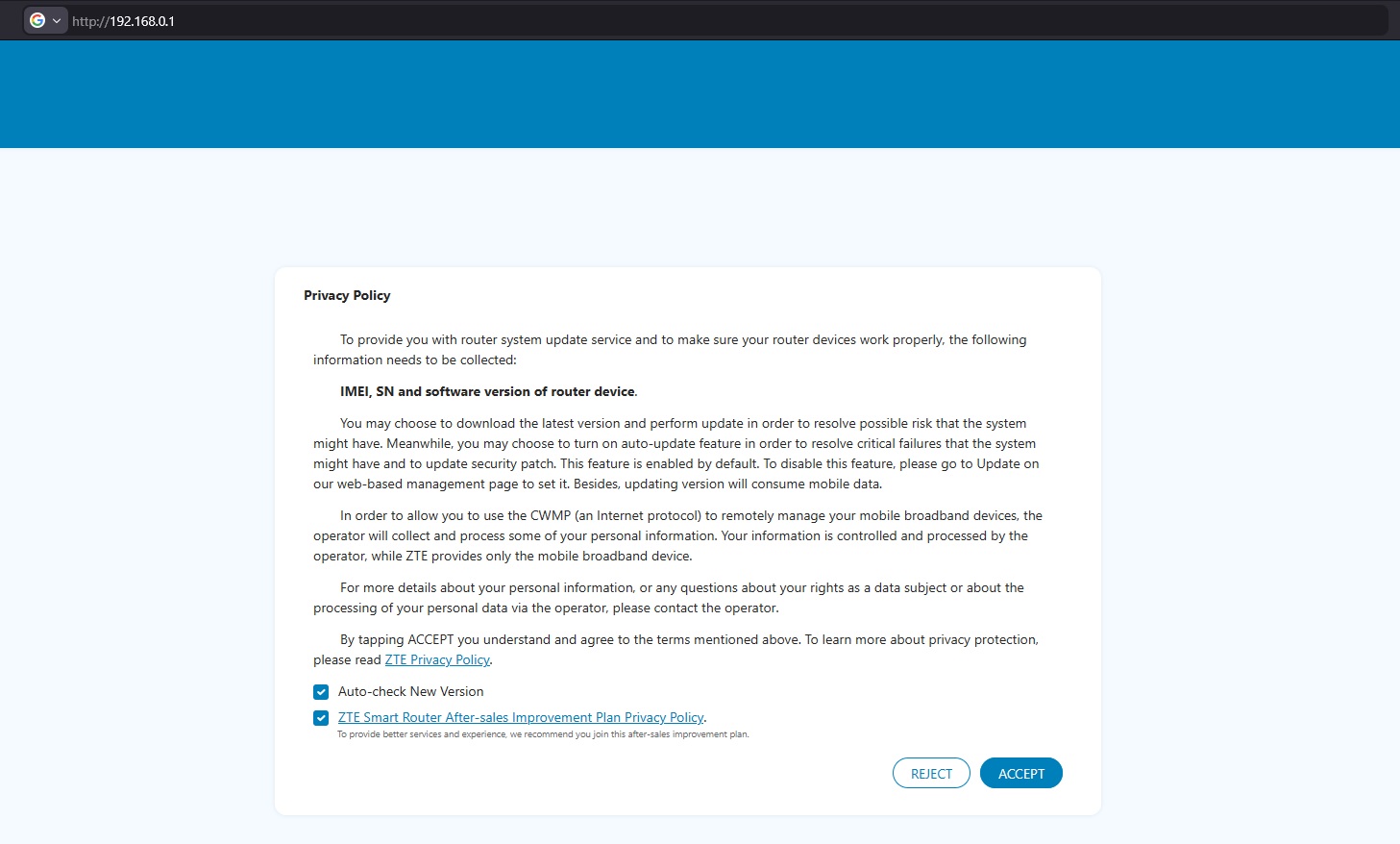
- When prompted, customize your Wi-Fi by entering your preferred Network Name (SSID) and Password, then click Next.
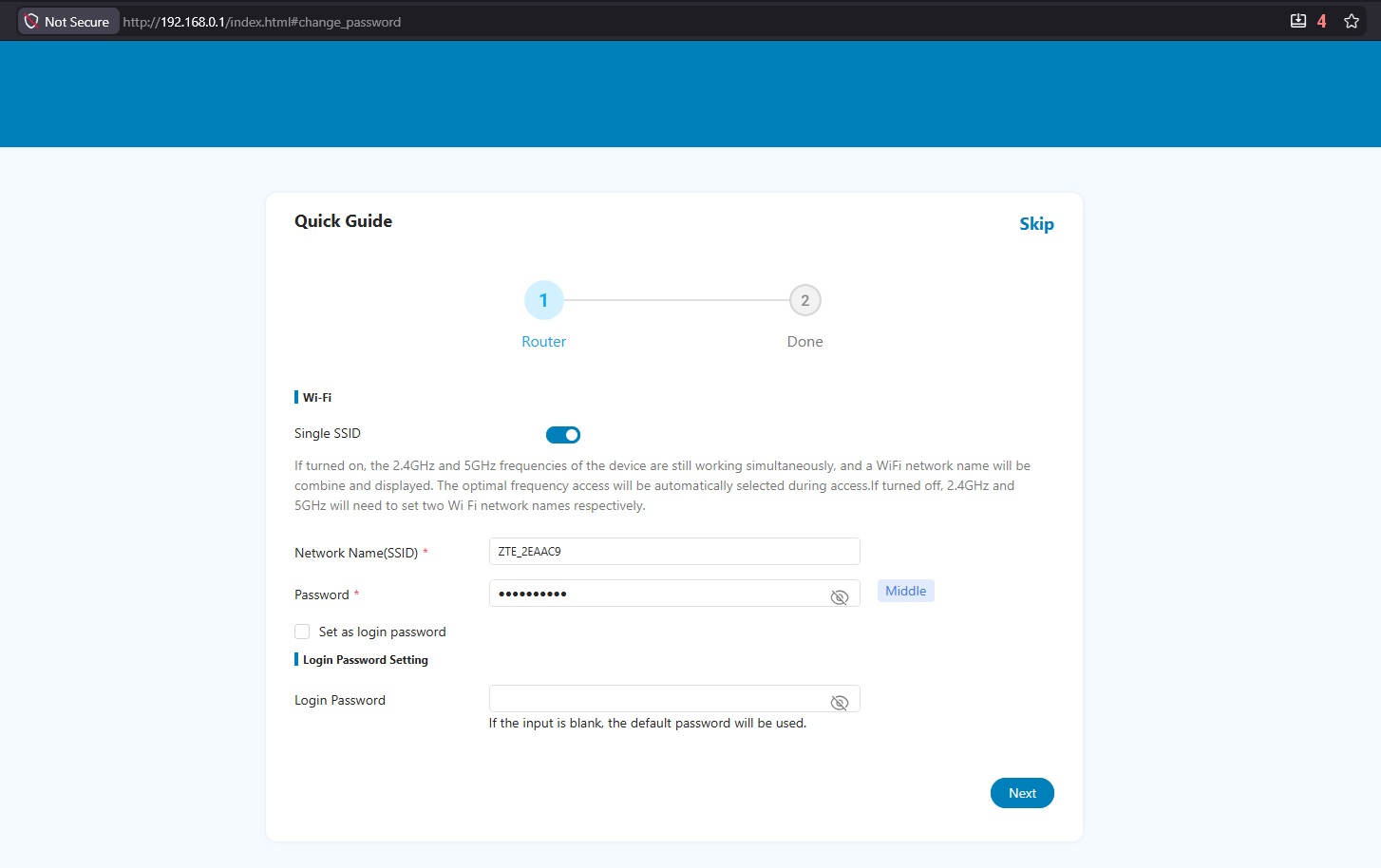
- Once the setup is complete, a summary of your settings will be displayed. You are now ready to browse!